How to Make a Song With AI: My ChatGPT + Suno Formula
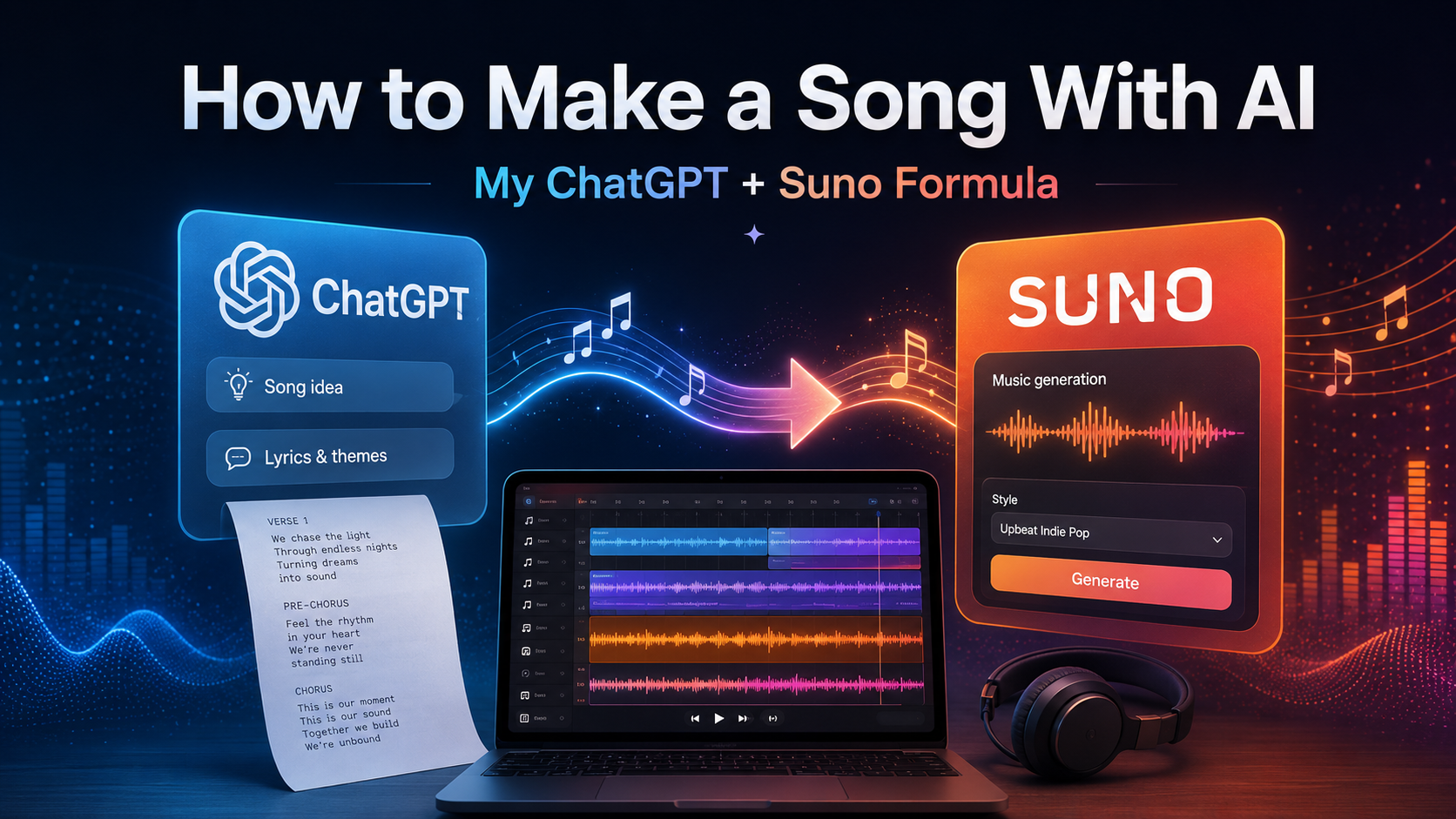
You do not need to know music theory, play an instrument, own recording equipment, or understand audio production to start making music with AI.
You do need an idea.
Sometimes that idea is a great title.
Sometimes it is one line you cannot get out of your head.
Sometimes it is a story.
Sometimes it is anger, grief, nostalgia, humor, ambition, heartbreak, or something that happened twenty years ago that suddenly feels like it belongs in a song.
And sometimes you do not even know what the song is yet.
You just start writing.
That has become one of my favorite ways to work.
I have used variations of the process below for more than 350 AI-assisted song releases, and the biggest thing I have learned is this:
Good AI music usually doesn’t come from pushing one button. It comes from developing an idea, generating it, listening critically, and improving it repeatedly.
Here is the basic formula I use.
What You Need
You only need two apps to get started:
ChatGPT — for developing the idea, writing and rewriting lyrics, and creating production prompts
Suno — for turning those lyrics and production instructions into an actual song
That is enough to go from a thought in your head to a finished recording.
⸻
Step 1: Find the Core Idea
The best songs usually have something at the center of them.
It might be a phrase:
“Till the Wheels Fall Off.”
It might be a question:
“What are the odds that two people ever find each other?”
It might be a concept:
A man realizes he has spent half his life playing defense and decides the second half is going to be different.
That central idea gives the song somewhere to go.
But you do not have to begin with a clever title.
Sometimes I open ChatGPT and basically unload everything I’m thinking.
No structure. No concern about grammar. No attempt to make it sound like lyrics.
Just write.
Explain what happened.
Explain why it bothered you.
Explain what you wish you had said.
Explain what you miss.
Explain what scares you.
Explain what you’re pissed off about.
Explain what you finally understand that you didn’t understand ten years ago.
Keep going until you’ve emptied the thought out.
There is often a song buried somewhere inside it.
You can then tell ChatGPT:
“Find the strongest song idea inside everything I just wrote.”
Or simply:
“Write me a song about this.”
That is one of the most useful things about AI songwriting.
You can start with a polished concept, or you can start with a complete mess.
⸻
Step 2: Give ChatGPT Everything
Once you know what you want the song to be about, describe it in detail.
Do not worry about making your instructions pretty.
I would rather give ChatGPT a giant paragraph containing twenty useful details than a clever two-sentence prompt containing almost nothing.
Tell it:
What happened
Who was involved
Where it happened
What the song is really about underneath the story
What you want the listener to feel
Whether it should be serious, funny, angry, dark, reflective, aggressive, nostalgic, hopeful, or something else
Important memories or details
Lines or phrases you want incorporated
Metaphors or imagery you already have in mind
Whether the narrator is looking backward or living through it now
Whether you want storytelling verses or something more abstract
How large you want the chorus to feel
Whether you want simple lyrics or more complex writing
What musical era you are imagining
What kinds of artists, records, or genres represent the general direction
Then make one important decision.
Personal or Universal?
Tell ChatGPT whether you want the song to be highly specific or universally relatable.
For example:
Specific:
Use the real place, real truck, real road, real conversation, real age, real circumstances.
Universal:
Use the emotion and basic situation, but remove details that prevent other people from seeing themselves in it.
Neither approach is automatically better.
A deeply personal song can become universal precisely because the details make it feel real.
Other songs work better when the idea is broader.
Tell ChatGPT which direction you want.
Then finish with:
“Write me a song about this.”
⸻
Step 3: Critique the Lyrics Before You Generate Anything
This is a step I would not skip.
AI can write a complete song very quickly.
That does not mean every line deserves to survive.
Read the lyrics.
Look for weak spots.
Ask:
Is the first line interesting?
Does verse one establish something?
Does verse two actually advance the song?
Is the chorus saying the central idea clearly?
Is there one line in the chorus people could remember after hearing it once?
Are there clichés?
Are there generic filler lines?
Does every verse sound like it belongs in the same song?
Is the rhyme forced?
Are any lines too long to sing naturally?
Does the bridge reveal something new?
Does the ending earn its resolution?
AI is extremely useful for rewriting individual sections.
You do not have to throw away an entire song because four lines are bad.
Tell ChatGPT exactly what is wrong.
For example:
“The chorus has the right idea, but the hook isn’t memorable enough. Keep the meaning and rewrite it with a stronger central phrase.”
Or:
“Verse two is too generic. Give me concrete imagery instead of abstract statements.”
Or:
“The rhyme is forcing the meaning. Prioritize the thought and rewrite the rhyme scheme.”
Keep refining it until you would still like the lyrics if no AI were involved.
Then move to Suno.
⸻
Step 4: Put the Lyrics Into Suno
Copy your finished lyrics from ChatGPT.
Open Suno.
Start a new song and paste the lyrics into the lyrics section.
Now you have told Suno what is being sung.
The next step is telling it what world the song lives in.
⸻
Step 5: Build the Suno Style Prompt
Go back to ChatGPT.
I usually ask something similar to:
“Give me a Suno style prompt for this song. Keep it under 1,000 characters.”
Then describe the sound.
This can include:
Genre
Subgenre
Era
Tempo
Male or female vocal
Vocal range
Vocal texture
Vocal attitude
Acoustic or electric instruments
Guitar style
Bass tone
Drum style
Percussion
Harmonies
Production character
Song dynamics
Chorus size
Mood
Energy
Arrangement
Vintage or modern production
Raw or polished production
Musical references
Instead of simply saying:
“Country song.”
You might describe:
A dark, organic country recording built around acoustic guitar, upright bass, fiddle and restrained drums, with a weathered male vocal, intimate storytelling verses and a chorus that expands dramatically without becoming glossy modern pop-country.
That gives the generator substantially more direction.
Copy the finished prompt into Suno’s Style section.
⸻
Step 6: Generate More Than Once
Now generate the song.
Then generate it again.
And probably again.
Do not assume the first version is supposed to be the final song.
AI generation contains randomness. Two generations using identical lyrics and identical prompts can produce dramatically different results.
One might have the right melody but the wrong voice.
Another might have a great chorus but an awkward verse.
Another may suddenly interpret the entire thing exactly the way you imagined it.
Listen critically.
I separate what I am hearing into two categories.
The Song
Ask:
Are the lyrics working when they are actually sung?
Does the melody fit the words?
Does the chorus land?
Are any words difficult for the singer to deliver?
Are certain lines suddenly too long?
Does anything feel repetitive?
Does the emotional arc work?
Is the best idea getting enough attention?
The Production
Ask:
Is the voice right?
Is the tempo right?
Is the key comfortable?
Is it too polished?
Too rough?
Too pop?
Too country?
Too electronic?
Too aggressive?
Too slow?
Are the drums wrong?
Is the guitar dominating?
Does the chorus get big enough?
Does the arrangement support the lyrics?
Do not just decide that you “don’t like it.”
Figure out why you don’t like it.
That distinction matters.
⸻
Step 7: Take the Problem Back to ChatGPT
This is where ChatGPT and Suno become powerful together.
You generate in Suno.
You diagnose the result.
Then you use ChatGPT to help make the next correction.
For example:
“The song Suno generated sounds too clean and modern. Rewrite my style prompt to make the recording more organic, imperfect and live-sounding.”
Or:
“The vocalist keeps rushing the second half of the chorus. Simplify those lines without losing the meaning.”
Or:
“The chorus melody isn’t separating enough from the verses. Modify the production prompt to create a stronger dynamic lift when the chorus begins.”
Or:
“The vocal is too pretty. I want more grit, strain and personality without making it sound like hard rock.”
That is much more effective than randomly changing things.
Make a diagnosis.
Make a change.
Generate again.
⸻
Step 8: Remix the Versions That Already Have Something Special
Eventually Suno will produce something where you think:
That’s close.
Do not automatically abandon it and start from zero.
Use Remix.
If you like the melody or overall feel but want to change the production, adjust the style.
If lyrics need changing, use the advanced options to edit them.
Then generate another version based on something that already has characteristics you like.
This becomes closer to traditional record production.
You are no longer asking:
“Can AI make me a song?”
You are asking:
“How do I make this particular song better?”
That is a much more useful question.
⸻
The Formula
After doing this hundreds of times, my process can basically be reduced to this:
Idea → Brain Dump → Lyrics → Critique → Rewrite → Style Prompt → Generate → Listen → Diagnose → Revise → Generate Again → Remix → Finish
That loop is the real process.
Not:
Type prompt → receive masterpiece.
⸻
Don’t Stop at “Pretty Good”
This may be the biggest mistake people make with AI-generated music.
The first version is decent, so they stop.
I don’t.
If I know the chorus could be better, I change it.
If the production is wrong, I change the prompt.
If one line bothers me every time I hear it, I rewrite the line.
If I love everything except the vocal approach, I keep working.
Sometimes the difference between an average AI song and something that genuinely sounds like a record is another five, ten, or twenty decisions.
AI makes creation incredibly fast.
It does not eliminate taste.
If anything, taste becomes more important.
The computer can give you options.
You still have to decide which ideas are worth keeping.
⸻
You Can Make a Song About Almost Anything
This is probably my favorite part of the entire process.
You don’t have to wait for some mythical bolt of songwriting inspiration.
Start with something real.
A conversation.
A memory.
Something your dad used to say.
A divorce.
A promotion.
Getting fired.
A town you miss.
A person you can’t stand.
A mistake you finally understand.
Your daughter growing up.
A ridiculous thing that happened at work.
A phrase you heard someone say.
A philosophical question that has bothered you for twenty years.
Or just open ChatGPT and start venting.
Write uncontrollably.
Don’t try to make it rhyme.
Don’t try to sound intelligent.
Don’t try to write a song.
Get the actual thought out first.
Then look at what you wrote and ask:
“What’s the song in this?”
You may be surprised how often there is one.
⸻
The Bottom Line
Making music with AI is easy.
Making good music with AI still requires decisions.
ChatGPT can help you develop the thought.
It can help turn that thought into lyrics.
It can help you critique those lyrics.
It can translate the sound in your head into instructions.
Suno can turn those instructions into music.
Then you listen.
You decide what deserves to stay.
And you repeat the process until the song gets where you want it.
That is the formula I have used across more than 350 releases:
Start with something worth saying. Give the AI enough information to understand it. Then refuse to settle for the first answer it gives you.